
Official Meta WhatsApp Cloud API: Complete Integration & Automation Guide for Businesses
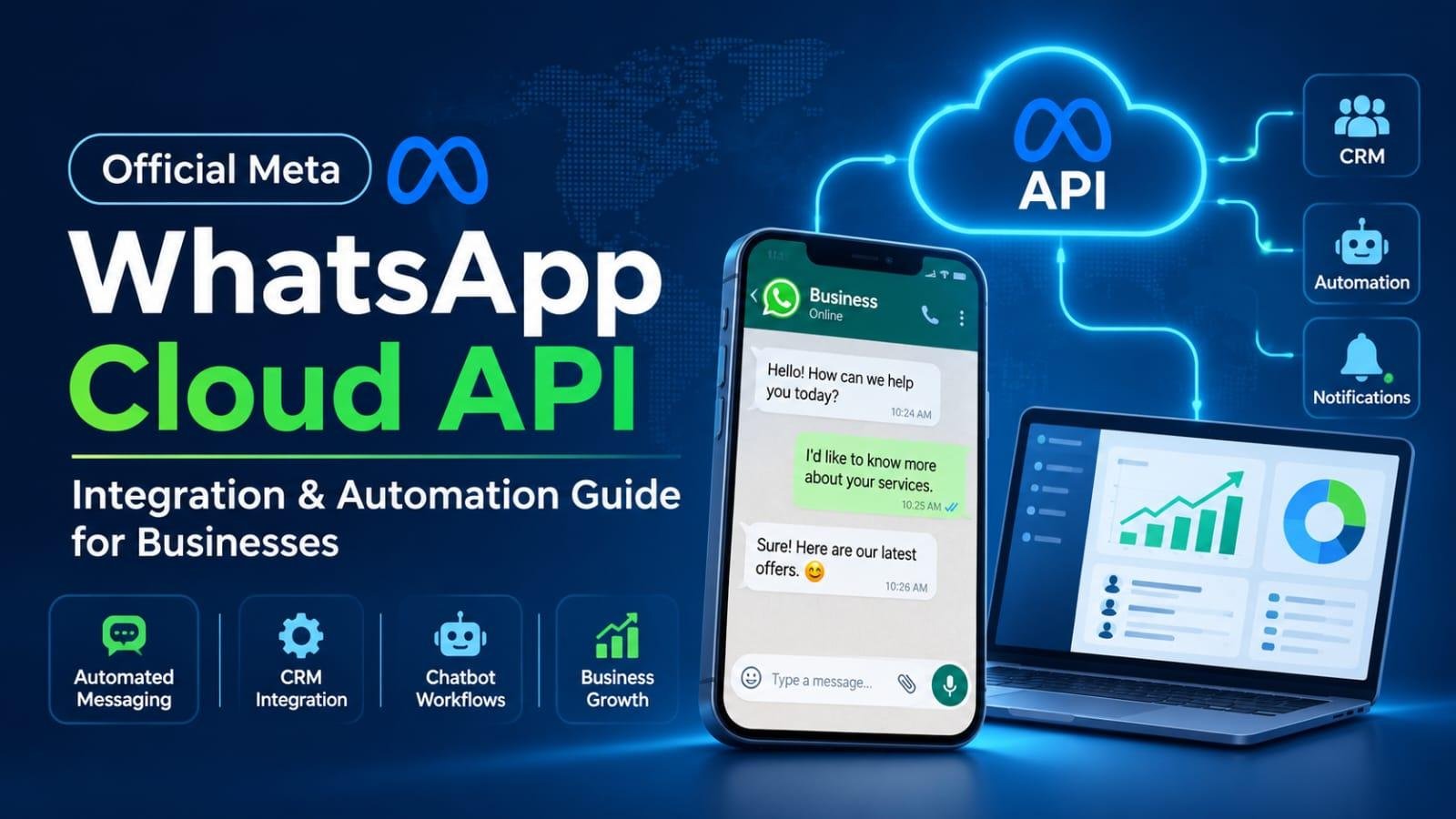
Official Meta WhatsApp Cloud API: Complete Integration & Automation Guide for Businesses
WhatsApp has become one of the most important communication channels for modern businesses. From customer inquiries and order confirmations to appointment reminders and marketing campaigns, businesses use WhatsApp to connect with customers quickly and efficiently.However, managing hundreds or thousands of customer conversations manually can become challenging.This is where the official Meta WhatsApp Cloud API becomes valuable.
The WhatsApp Cloud API allows businesses to integrate WhatsApp messaging into their websites, CRM platforms, customer support systems, and business automation applications.
In this guide, we explain how WhatsApp Cloud API integration works, how businesses can configure it, and how to use automation to improve customer communication.
1. What Is the Official WhatsApp Cloud API?
The WhatsApp Cloud API is Meta's official cloud-hosted messaging interface that allows businesses to send and receive WhatsApp messages through software applications.
Unlike the regular WhatsApp Business mobile application, the Cloud API enables businesses to build customized communication workflows and integrate messaging into their existing systems.
With the official API, businesses can:
- Send automated customer notifications.
- Receive incoming customer messages.
- Integrate WhatsApp with CRM software.
- Send approved message templates.
- Build automated chatbot workflows.
- Manage customer communication centrally.
- Track message delivery and read statuses through webhooks.
The API is particularly useful for growing companies, e-commerce businesses, service providers, and digital agencies.
2. Official WhatsApp API vs. Unofficial WhatsApp Automation
Businesses should understand the difference between official API-based integration and unofficial automation methods.
Official Meta WhatsApp Cloud API
The official Cloud API is provided and hosted by Meta.
Its advantages include:
- Supported API-based messaging.
- Structured business integrations.
- Webhook-based message notifications.
- Approved template messaging.
- Scalable application architecture.
- Integration with CRM and customer support platforms.
Unofficial WhatsApp Automation
Some third-party tools automate WhatsApp Web through browser sessions or unofficial scraping techniques.
These approaches can introduce risks such as:
- Session interruptions.
- Unexpected account restrictions.
- Unreliable automation.
- Security and privacy concerns.
- Limited long-term scalability.
For business-critical communication, using Meta's official platform is generally the more reliable approach.
3. Requirements Before WhatsApp Cloud API Integration
Before starting the integration process, businesses should prepare the necessary Meta assets.
Common requirements include:
1. A Facebook account or eligible Meta account.
2. A Meta Business Portfolio.
3. A Meta Developer account.
4. A WhatsApp Business Account (WABA).
5. A business phone number.
6. An application with the WhatsApp product enabled.
7. Appropriate API access tokens and permissions.
8. A publicly accessible HTTPS webhook endpoint.
The exact verification and onboarding requirements depend on the business account and its intended use.
4. Step-by-Step Meta WhatsApp Cloud API Setup
Step 1: Create a Meta Developer Account
Visit the Meta for Developers website and log in using your Meta account.
Create a developer application and select the appropriate business-related app configuration.
Developer access allows you to manage applications and configure the required API products.
Step 2: Create a Meta Application
Open the Meta Developer Dashboard and create a new application.
Add the WhatsApp product to your application.
The dashboard provides access to WhatsApp API configuration, test resources, phone number information, and messaging tools.
Step 3: Configure Your WhatsApp Business Account
Connect the appropriate WhatsApp Business Account to your Meta application.
You will need the relevant business assets and phone number configuration.
During testing, Meta provides test resources that can be used to understand the messaging process before moving to production.
Step 4: Generate API Access Credentials
The Cloud API uses access tokens to authenticate requests.
For production applications, configure an appropriate system user and long-lived access token with the required permissions.
Never expose access tokens in frontend code, public repositories, or unsecured configuration files.
Store credentials securely on your backend server.
Step 5: Configure Your Business Phone Number
Register or connect an eligible business phone number.
Complete the required verification and registration steps.
Your application will use the corresponding Phone Number ID when making API requests.
Step 6: Send Your First WhatsApp Message
Once the API is configured, your backend application can send messages through Meta's Graph API.
A typical message request uses the following endpoint:
POST https://graph.facebook.com/{VERSION}/{PHONE_NUMBER_ID}/messages
The request includes:
- Access token.
- Phone Number ID.
- Recipient phone number.
- Message type.
- Message content.
For production messaging, ensure that the message type and recipient communication window comply with Meta's current policies.
Step 7: Configure Webhooks
Webhooks are essential for receiving real-time WhatsApp events.
A webhook allows Meta to send notifications to your application when:
- A customer sends a message.
- A message is delivered.
- A message is read.
- A message fails.
- Other supported WhatsApp events occur.
To configure webhooks:
1. Create a publicly accessible HTTPS endpoint.
2. Configure the webhook callback URL.
3. Set a verification token.
4. Complete the webhook verification process.
5. Subscribe to the relevant WhatsApp webhook fields.
6. Process incoming events securely.
Your backend should validate incoming requests, handle duplicate event delivery safely, and process events without blocking the webhook response.
5. WhatsApp Message Templates and Messaging Rules
WhatsApp Business Platform supports different message formats and messaging workflows.
One important concept is message templates.
Templates are used for business-initiated communications outside the customer service window.
Common examples include:
Marketing Templates
Used for eligible promotional communication, product announcements, and offers.
Utility Templates
Used for transactional updates such as:
- Order confirmations.
- Payment notifications.
- Appointment reminders.
- Shipping updates.
Authentication Templates
Used for authentication workflows such as OTP verification.
Businesses must submit applicable templates for approval and follow Meta's messaging policies.
When a customer messages a business, a customer service window opens under Meta's rules. Within this window, businesses can respond using eligible free-form messages.
Template requirements, messaging windows, and charges depend on the current Meta policies and pricing schedule.
6. Building a WhatsApp Chatbot Using PHP Laravel
Businesses can use PHP Laravel to build custom WhatsApp automation systems.
Laravel provides a structured backend environment for managing API requests, database operations, queues, and business workflows.
A typical architecture includes:
- Laravel backend application.
- WhatsApp Cloud API.
- Webhook controller.
- MySQL database.
- Queue workers.
- Customer management module.
- Chatbot workflow engine.
Example: Automated Customer Inquiry
Consider a customer sending a WhatsApp message:
"Hello, I want to know more about your services."
The system can:
1. Receive the incoming webhook event.
2. Identify the customer's phone number.
3. Check whether the customer already exists.
4. Create or update the customer record.
5. Identify the inquiry type.
6. Trigger an appropriate automated response.
7. Assign the inquiry to a sales representative when required.
This creates a structured customer communication process.
7. Practical WhatsApp Automation Workflows
WhatsApp automation can support multiple business operations.
E-commerce Automation
- Order confirmation messages.
- Payment status updates.
- Delivery notifications.
- Customer support responses.
Appointment Automation
- Appointment confirmation.
- Booking reminders.
- Rescheduling notifications.
- Follow-up communication.
Sales Automation
- New lead notifications.
- Lead assignment alerts.
- Sales follow-up reminders.
- Customer inquiry management.
Customer Support Automation
- Automated welcome messages.
- Frequently asked questions.
- Support ticket notifications.
- Agent handover workflows.
These workflows help businesses reduce repetitive manual activities and organize customer communication.
8. Integrating WhatsApp API with CRM Software
One of the biggest advantages of WhatsApp Cloud API is its ability to connect with CRM software.
A properly integrated CRM can connect customer conversations with sales and support activities.
For example, when a customer sends an inquiry through WhatsApp:
- The customer's details can be stored in the CRM.
- A new lead can be created.
- The inquiry can be assigned to a sales executive.
- Follow-up activities can be scheduled.
- Communication history can be organized.
- Managers can monitor lead progress.
With a centralized CRM environment, businesses can manage customer interactions more effectively.
9. Common WhatsApp Cloud API Integration Challenges
Although the API offers powerful capabilities, developers should plan for certain technical challenges.
Access Token Management
Expired or incorrectly configured tokens can interrupt messaging operations.
Use secure credential storage and appropriate token management procedures.
Webhook Reliability
Webhook failures can result in missed or delayed event processing.
Implement event logging, retry handling, and secure request validation.
Message Template Approval
Templates must follow Meta's policies and applicable category requirements.
Design clear templates that match their intended purpose.
API Rate Limits
Applications should handle API errors, rate limits, and temporary failures gracefully.
Use queues and controlled retry mechanisms for reliable message processing.
Data Security
Customer information and access credentials must be protected through appropriate security controls.
Use HTTPS, access restrictions, encryption where appropriate, and secure data retention practices.
10. Why Choose M-Tech Systems for WhatsApp Automation Solutions?
M-Tech Systems IT Services helps businesses explore technology solutions that simplify communication and improve business operations.
Our software solutions focus on connecting business workflows, customer communication, and automation through integrated platforms.
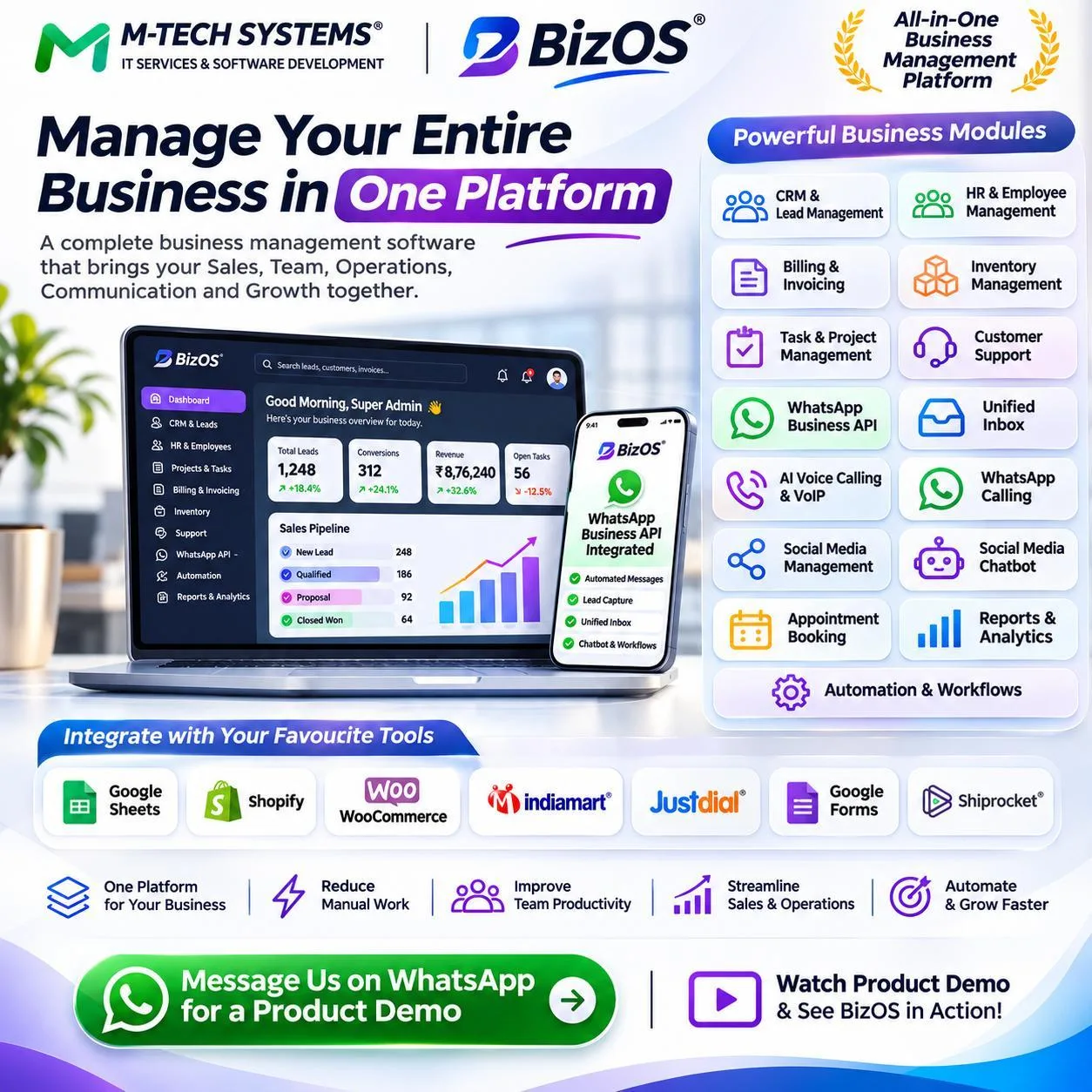
With solutions such as 360 Flow CRM and WhatsApp automation systems, businesses can explore capabilities including:
- Centralized customer management.
- Lead tracking and follow-ups.
- WhatsApp marketing integration.
- Customer communication workflows.
- Automated notifications.
- Customer support management.
- Business process automation.
Whether you are planning a WhatsApp API integration, developing a custom messaging platform, or connecting WhatsApp with your CRM, choosing the right technical architecture is essential.
The official Meta WhatsApp Cloud API provides businesses with a structured way to integrate WhatsApp communication into their digital operations.
From automated notifications and customer support to CRM integrations and chatbot workflows, it creates opportunities to improve communication efficiency and customer experience.
However, successful implementation requires proper API configuration, webhook security, template management, and a reliable backend architecture.
If your business wants to simplify customer communication and automate everyday workflows, M-Tech Systems can help you explore the right software solutions.
Build Smarter Communication with M-Tech Systems
Explore integrated CRM and WhatsApp automation solutions for your business.
M-Tech Systems IT Services
Website: https://mtechsystems.co.in
Email: support@mtechsystems.co.in
Phone: +91 9890103757
Smart Technology. Smarter Business.
Get Production-Ready Software or Custom Engineering
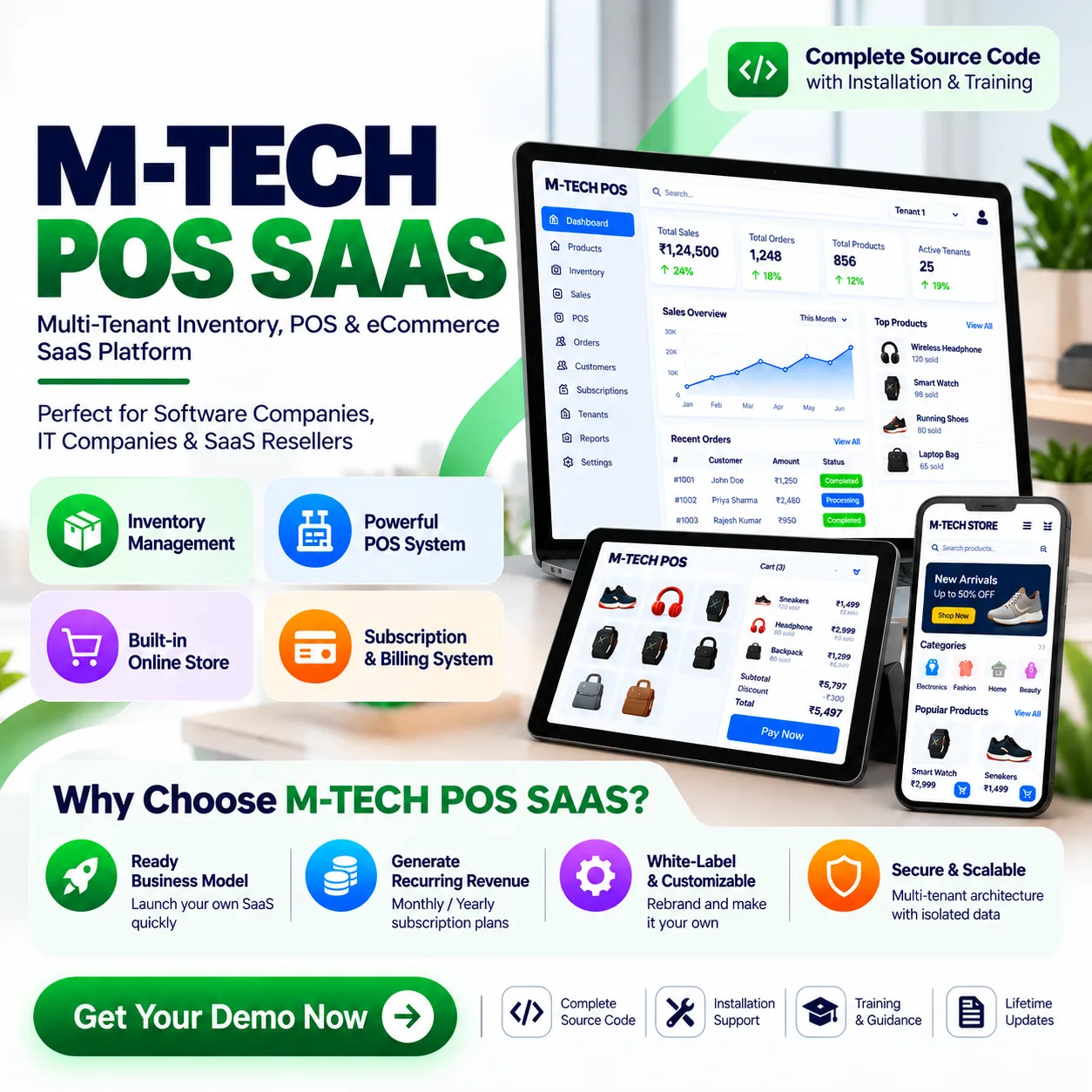
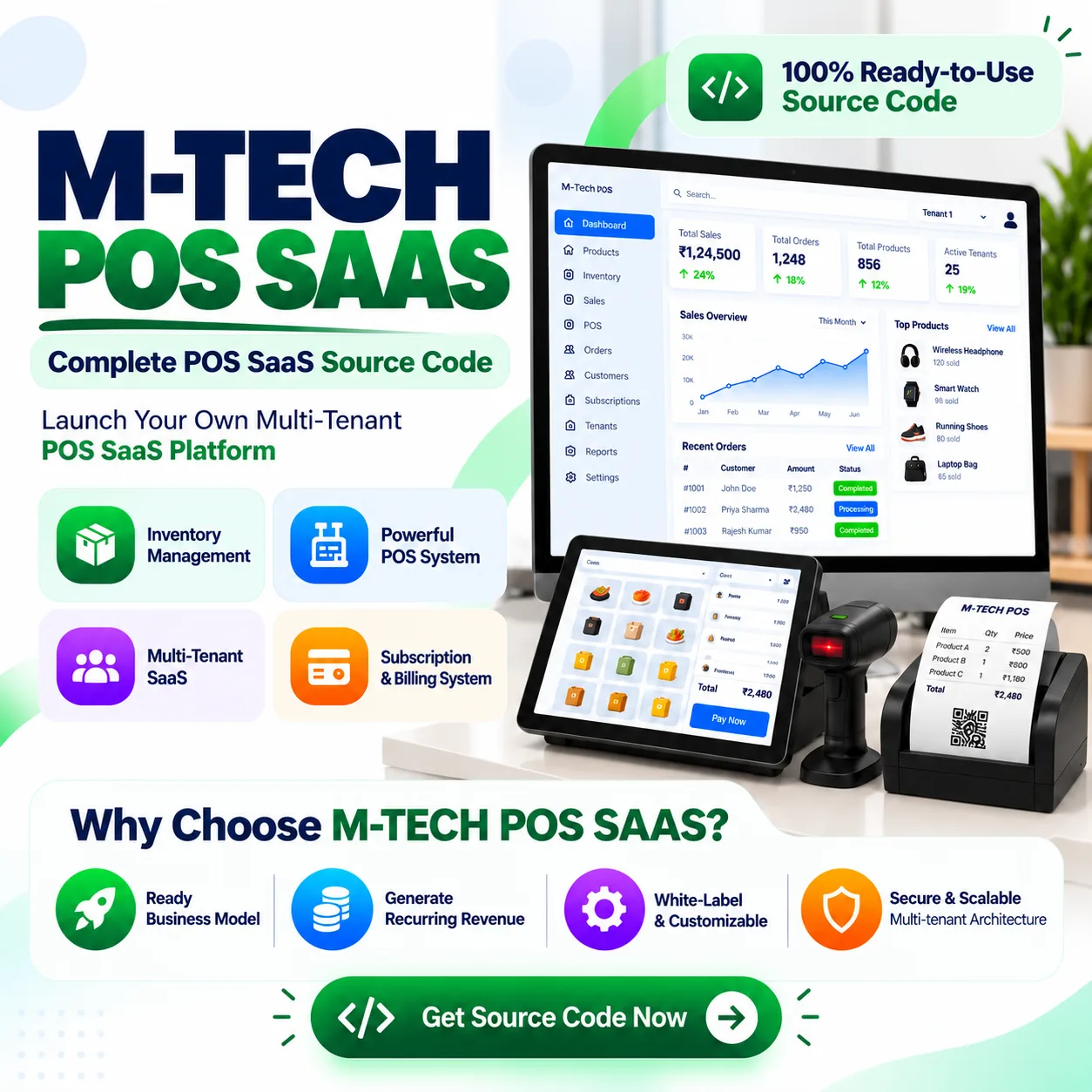
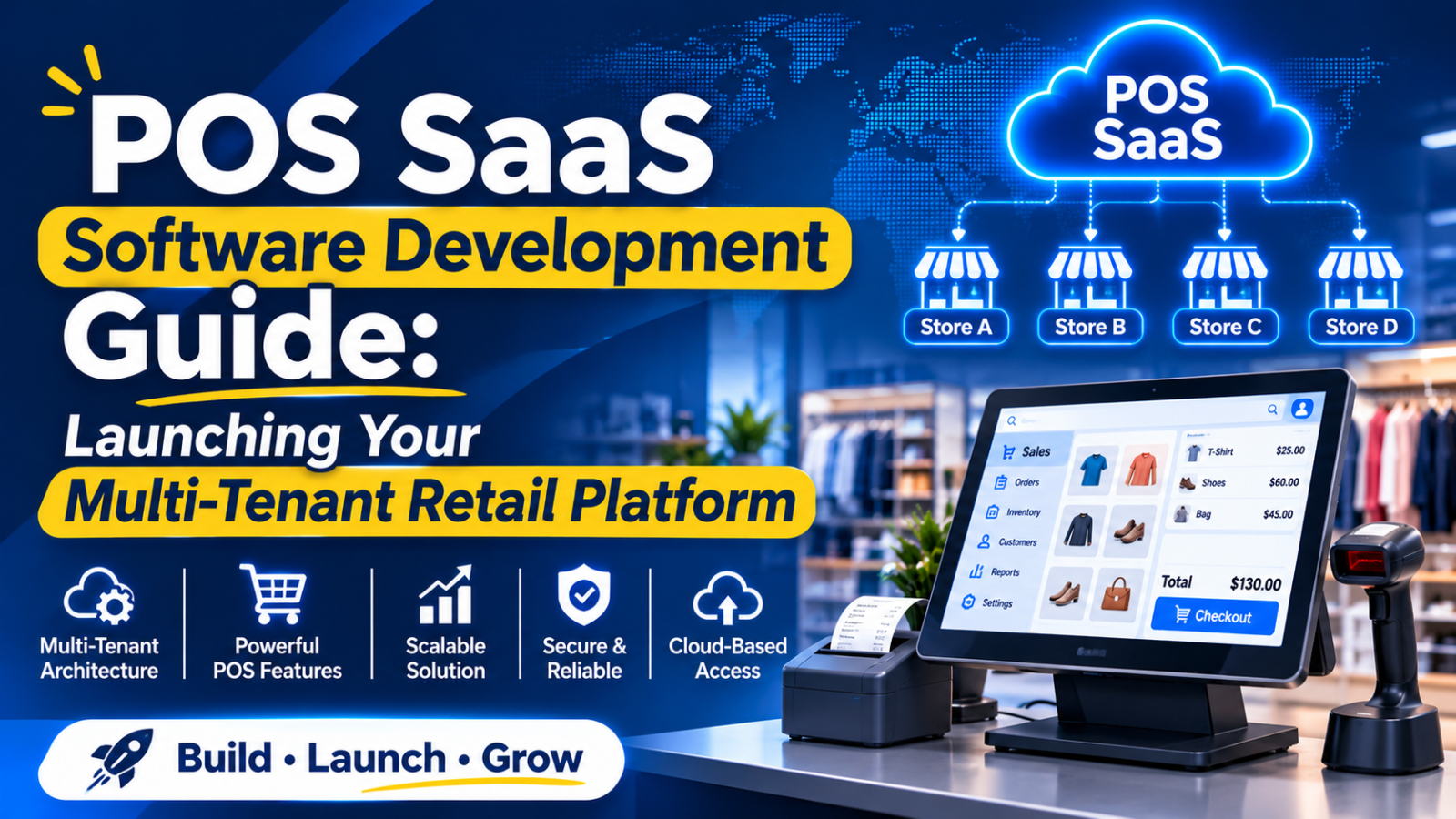
Explore our ready-to-launch SaaS source codes (WhatsApp API Reseller Panel, 360 Flow CRM, POS SaaS) or speak with our senior engineering team.